


By SIRMA
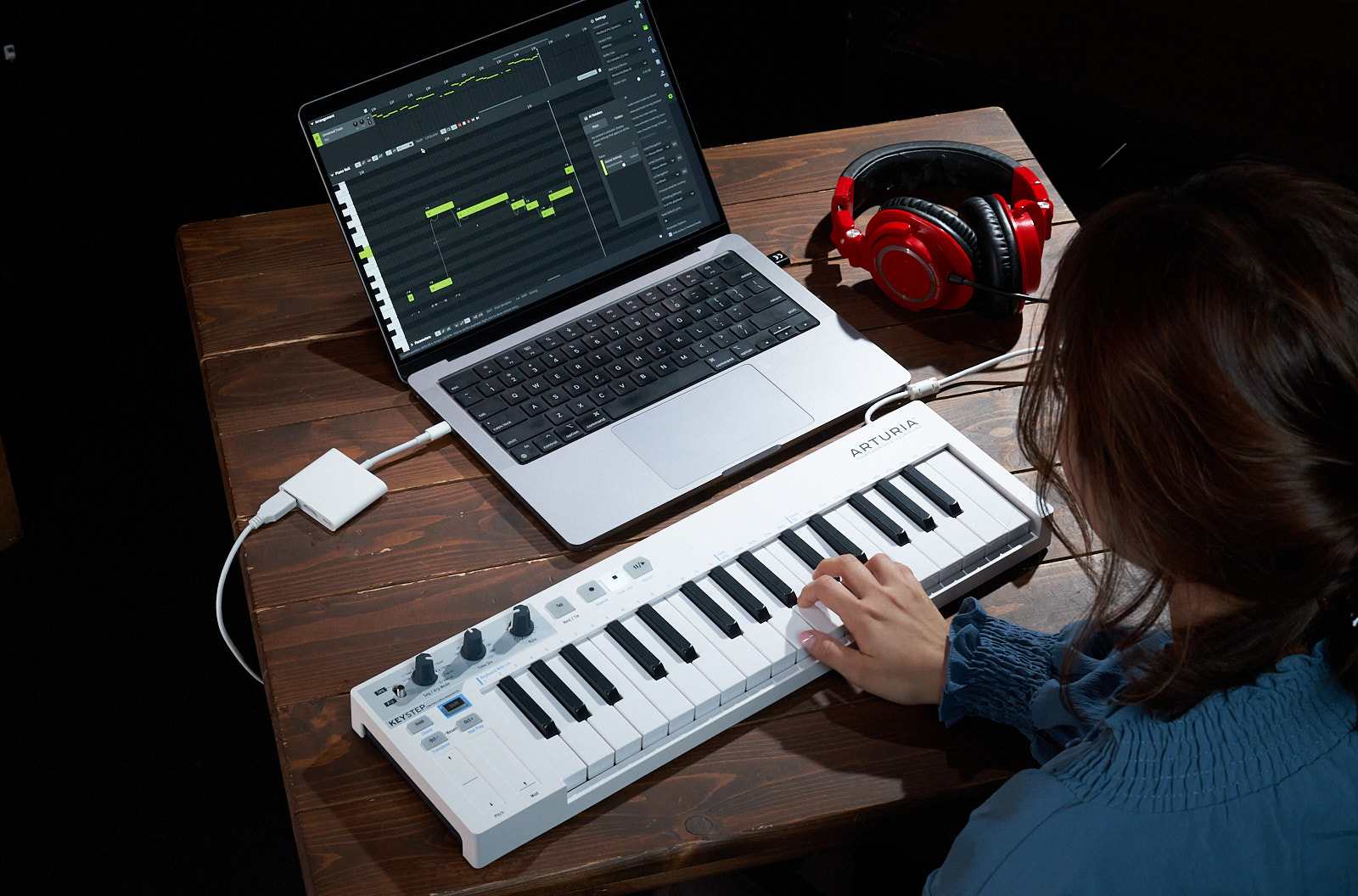
MIDI is an essential tool for sequencing virtual instruments. Audio captures live instruments, vocals, and a myriad of found sounds. But bridging the gap between these two formats can be challenging. Exporting a MIDI clip as audio is pretty straightforward, but converting audio into MIDI notes doesn’t always yield reliable results. Even the most powerful DAWs with built-in audio-to-MIDI conversion tools can only analyze the bulk of a monophonic melody while failing at transcribing lyrics entirely.
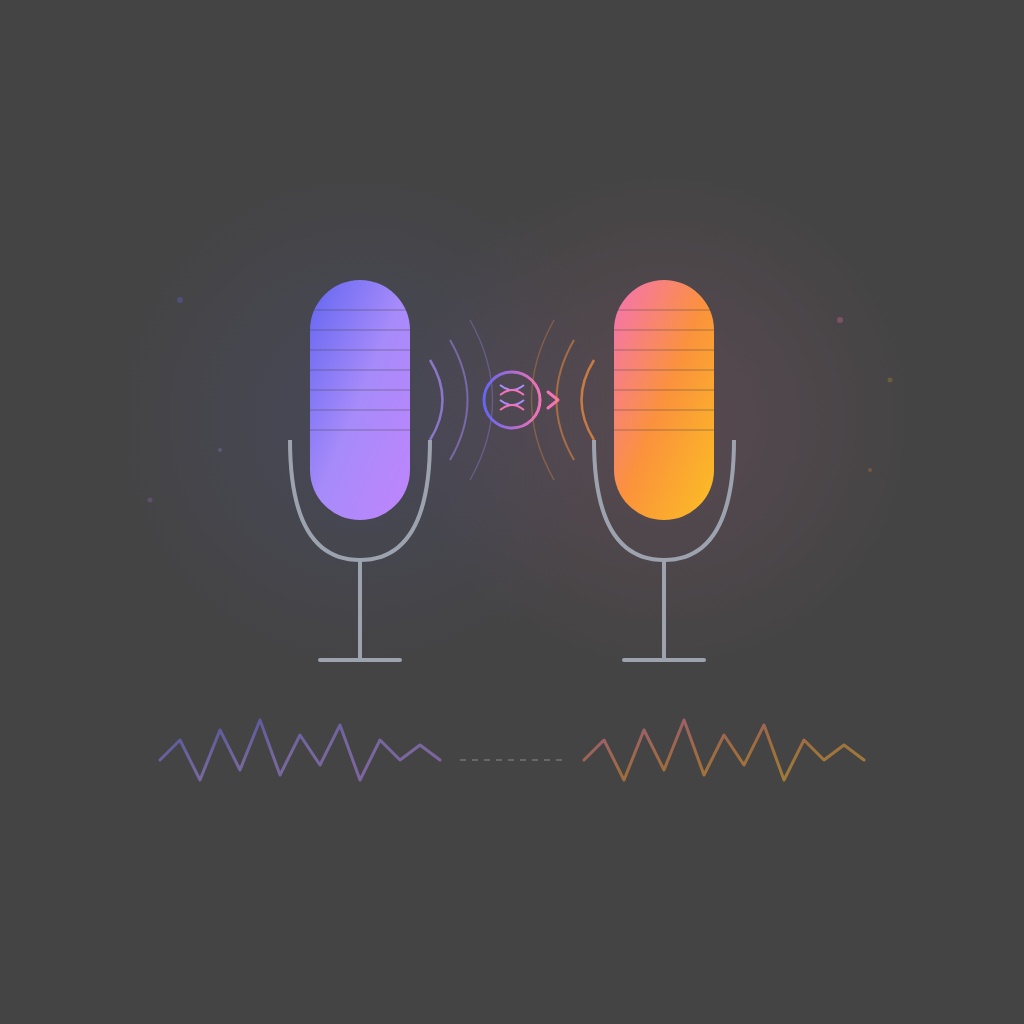
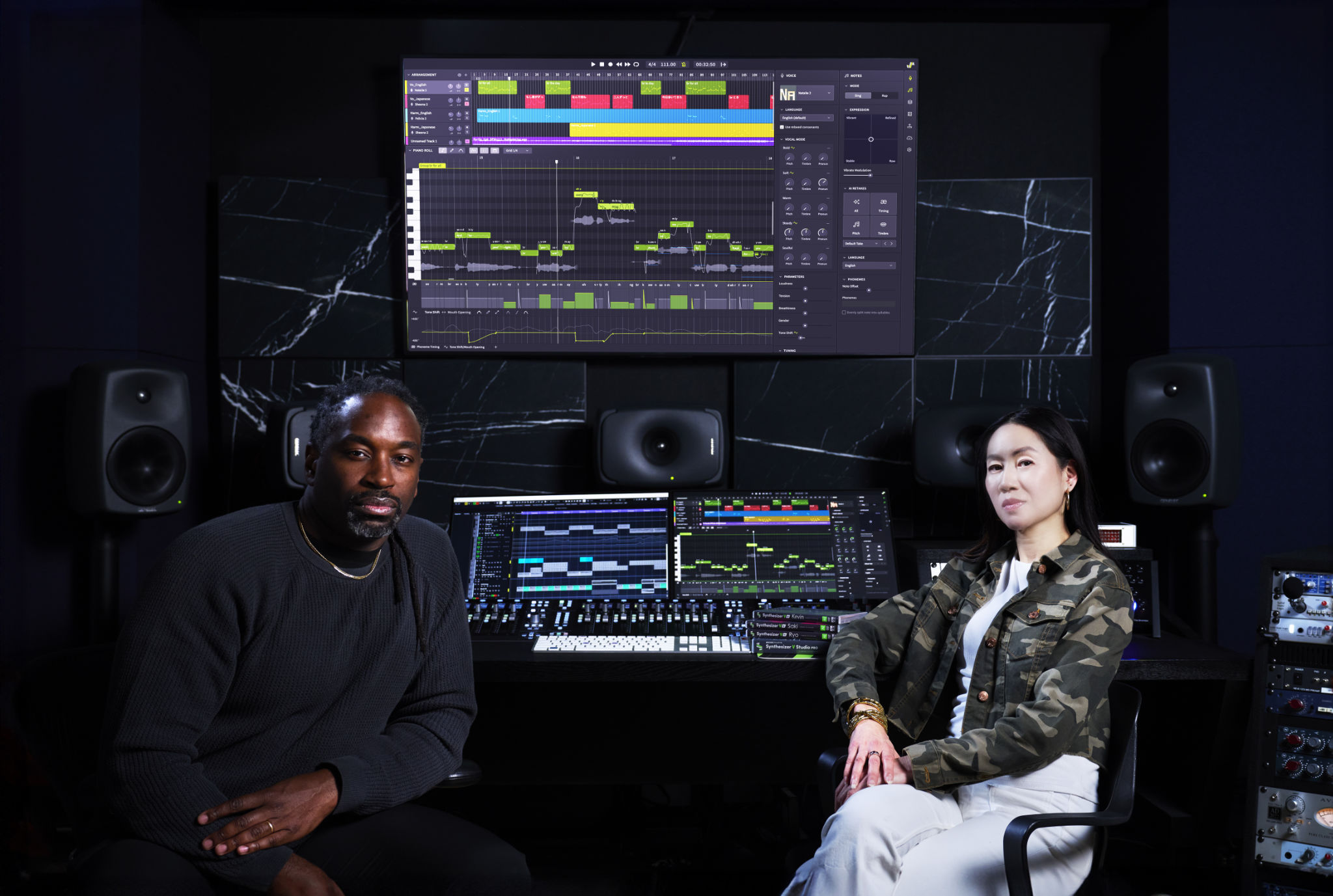
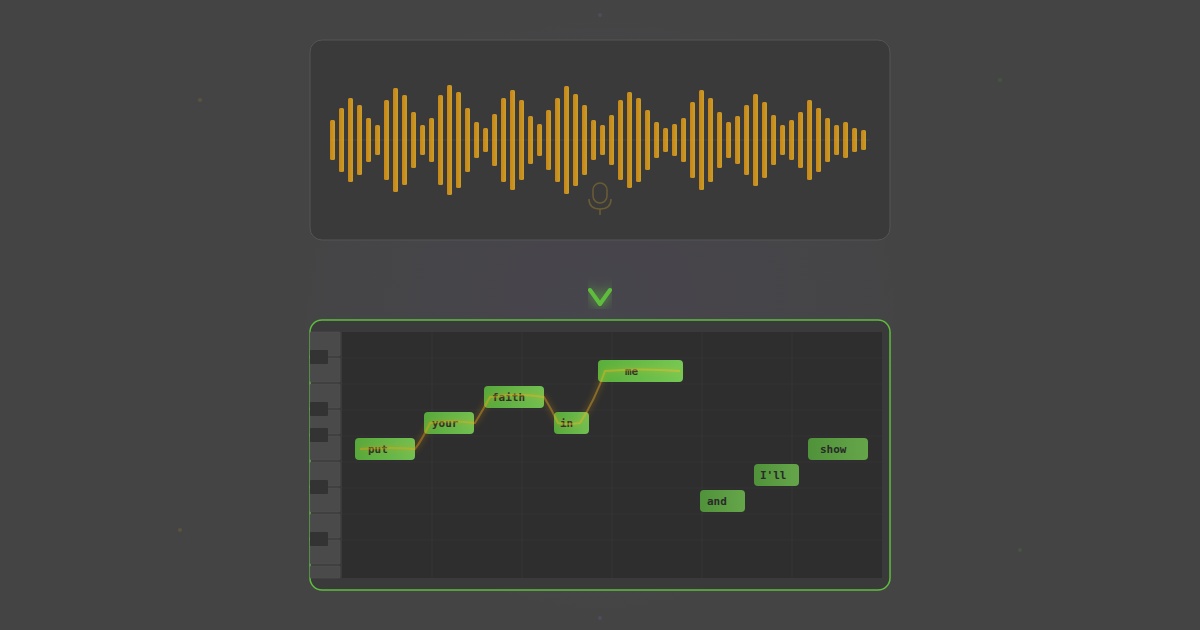
This is where Synthesizer V Studio 2 Pro’s AI-infused Voice-to-MIDI feature shines. It’s designed to convert sung performances into editable MIDI notes with lyrics and pitch fluidity included.
How Synthesizer V Converts Voice to MIDI with AI
Standard audio-to-MIDI conversion tools rely on pitch detection much like guitar tuners do. Even if the notes in the recording are not perfectly on pitch, they automatically snap to the nearest semitone when converted to MIDI. If there are microtonal grace notes or glides in the vocal performance, those details get lost in the process.
Synthesizer V’s Voice-to-MIDI module, on the other hand, not only detects each semitone but also pays attention to vocal cries, dynamic fluctuations, expressive details, and phonetics in the performance.
Is Synthesizer V an AI audio-to-MIDI converter?
Synthesizer V offers advanced features to help you program custom vocal performances, including a state-of-the-art audio-to-MIDI converter that’s optimized to analyze the human voice.
Founder and CEO of Dreamtonics, Kanru Hua, realized the significance of this feature early on while developing Synthesizer V: “Traditional audio-to-MIDI transcribers look strictly at fundamental frequency spikes, which makes them highly unstable when processing the complex formant shifts of the human voice. By combining machine learning language models with advanced digital signal processing, Synthesizer V doesn’t just listen to pitch – it actively cross-references phonetic pronunciation boundaries to map pitch glides and transcribe lyrical phonemes simultaneously.”
Synthesizer V’s ability to preserve such details minimizes the time you’d normally spend on editing the MIDI version of each performance in the piano roll and automation lane.
Why You Should Try Converting Vocals to MIDI
There are multiple use cases where converting vocals to MIDI gives you an advantage.
Control Any Synth with Your Vocal Ideas
Sometimes, you want an instrument to double the melody of the lead vocal. Other times, you want to use your voice to write each musical component.
With Synthesizer V, you can convert your vocal performance to MIDI, export it, and drop it into your DAW on an instrument track. This way, you can assign it to any synthesizer or sampler you want.
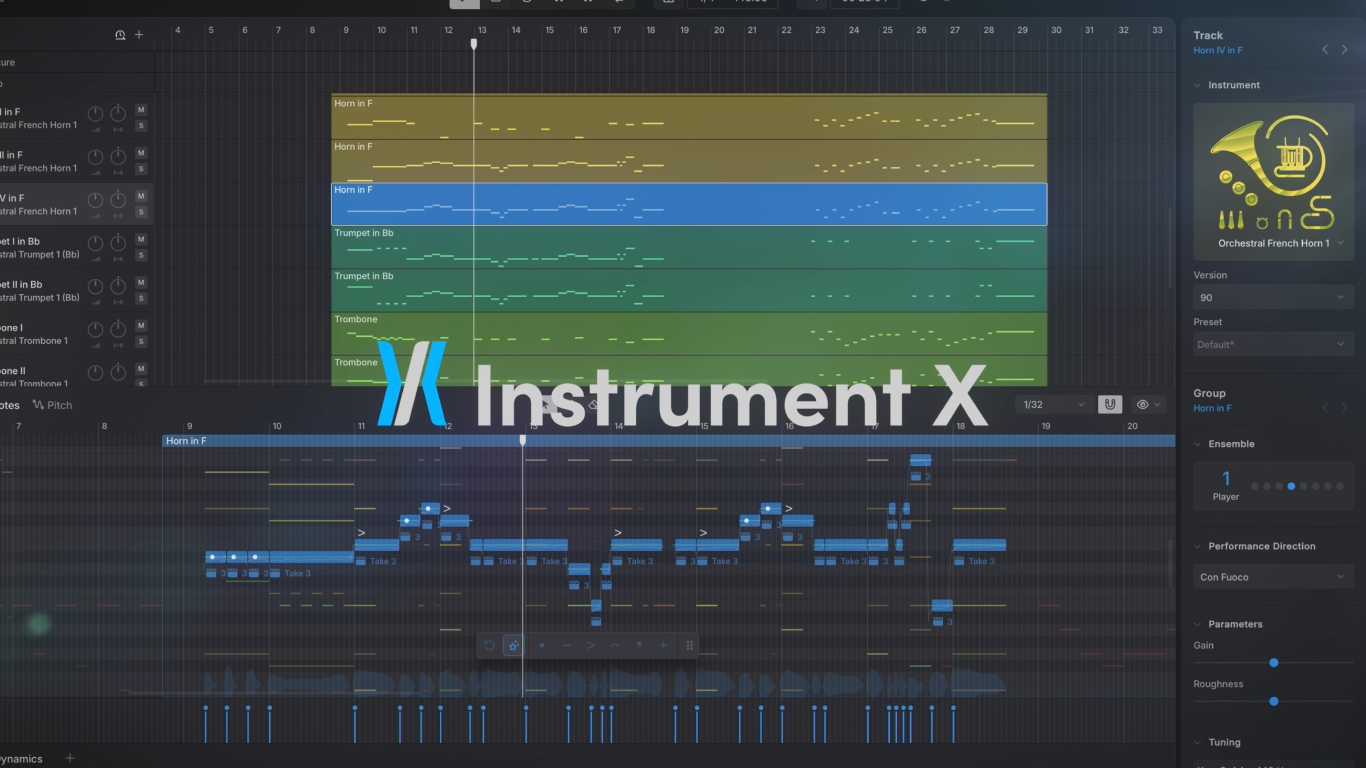
Plus, if you own the new neural acoustic-modeling platform, Instrument X by Dreamtonics, you can use the same MIDI file to compose lifelike orchestral arrangements. By combining the curated strings, woodwinds, and brass collections, you can turn your vocal melodies into epic symphonies.
Control an AI Voice in Synthesizer V
You can write each note and lyric into Synthesizer V. But recording the performance with your own voice first and then converting it to MIDI would be a much faster method of controlling the AI voices inside it.
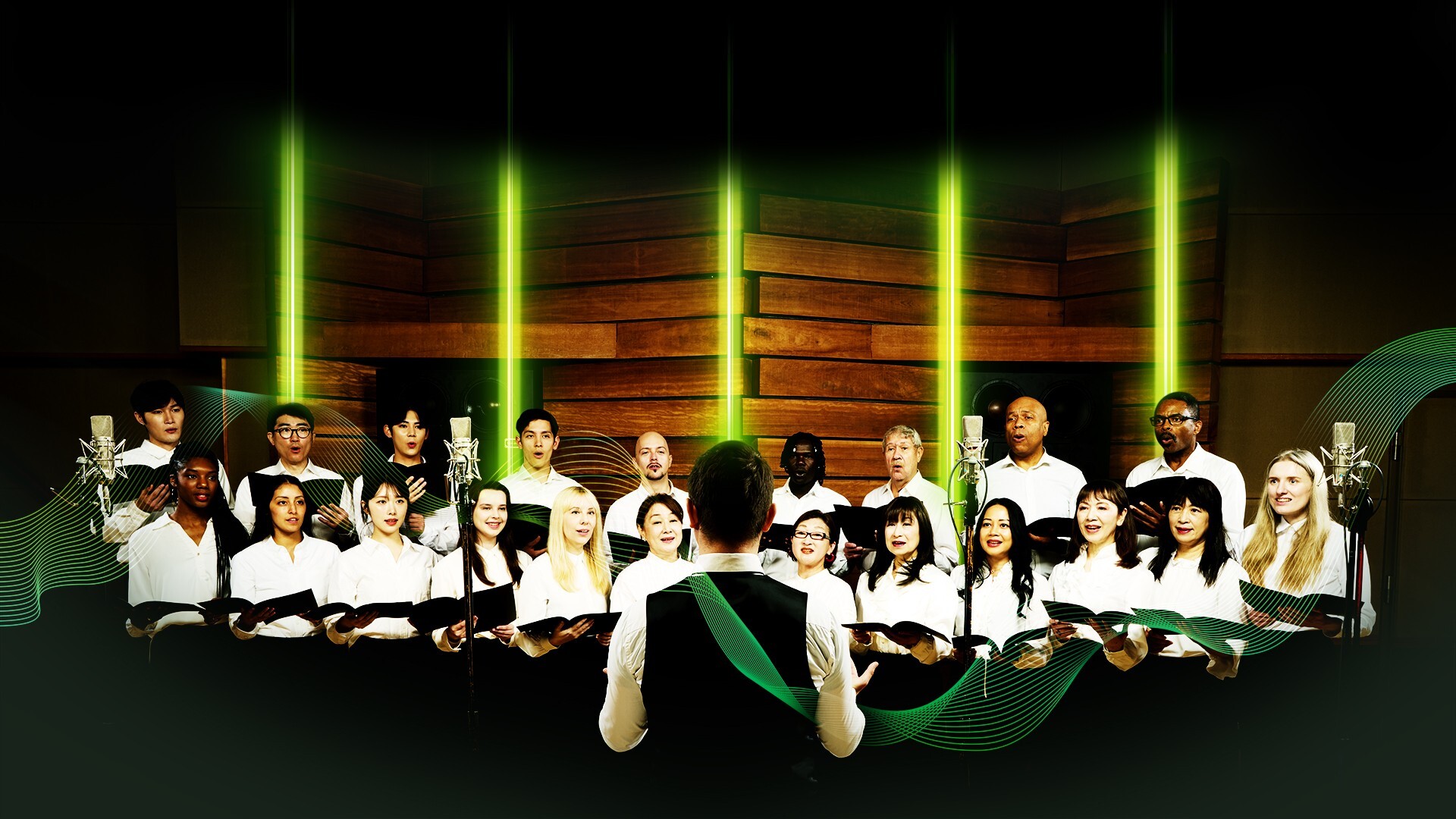
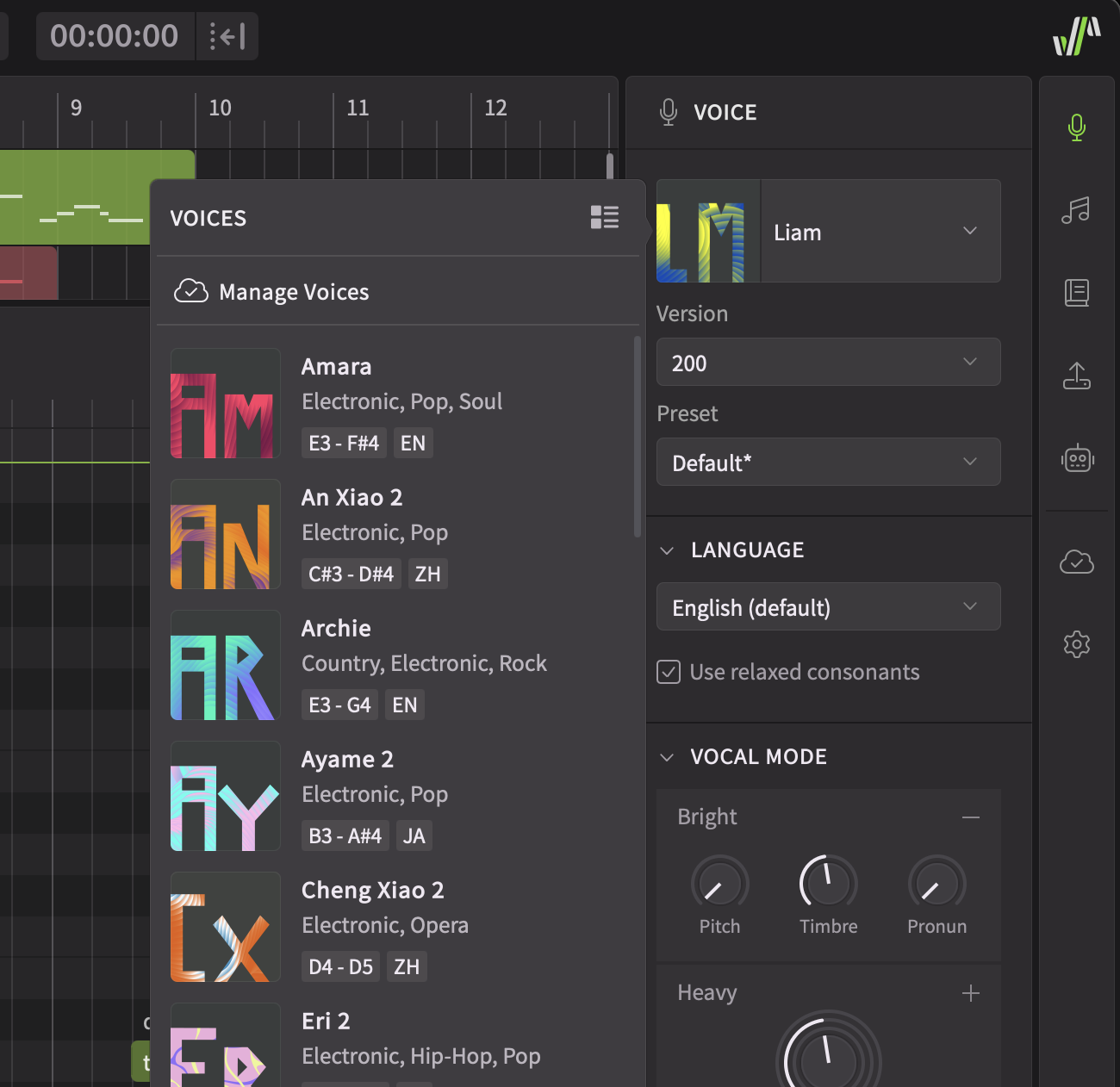
Once you capture the MIDI data, you can select male, female, androgynous, and even choir voices from Dreamtonics’ collection to hear your compositions.
Reimagine Your Sample Libraries: The Loopcloud Workflow
Not every music producer feels comfortable singing. But you don’t need to be a professional vocalist to benefit from Synthesizer V’s Voice-to-MIDI feature. Simply pull a monophonic vocal sample from a royalty-free library like Loopcloud and drop it into Synthesizer V to transcribe its melody and lyrics.
You can repurpose Loopcloud’s vocal loops as structural foundations for expansive choral arrangements or even instrumental sections like strings.
View this post on Instagram
Understand the Notes You’re Singing
Converting your vocal ideas to MIDI in Synthesizer V can help you understand the theory behind your compositions more quickly.
What key are you singing in? Which notes should you choose for background vocal layers? These questions are easier to answer when you have a visual reference in front of you.
Plus, you can change the tempo as many times as you want without worrying about degrading the sonic quality of the performance. When it comes to such adjustments, MIDI’s adaptability becomes especially useful compared with the limitations of audio.
Save Time Arranging Vocals with Lyrics
Coming up with vocal harmonies on the fly can be fun. But sometimes, an interval that sounds good in your head might clash with the instrumental arrangement once you record it.
If you record your backing vocals into Synthesizer V and convert them into MIDI, you can nudge the notes up or down to audition various intervals between the layers.
Direct MIDI-to-voice conversion is also possible. You can play the notes on a MIDI controller and enter the lyrics manually later. No matter which method you choose, you won’t have to imagine how the vocals may sound when lyrics come into play. You’ll hear your arrangement as intended instantaneously.
Quicken the Process of Preparing Sheet Music
You can’t expect musicians you hire for recording sessions to perform well if you don’t notate your music accurately.
Using Synthesizer V’s Voice-to-MIDI feature to transcribe the vocal parts can make preparing lead sheets an easy task. Simply import the MIDI file you get out of Synthesizer V into notation software like Sibelius or Dorico to get a head start.
How to Convert Voice to MIDI with Synthesizer V
Now that we’ve covered the fundamentals, we can hear Synthesizer V’s Voice-to-MIDI converter in action.
Step 1: Record Your Vocal Performance or Import Your Audio Track into Synthesizer V
Dreamtonics recommends importing a dry and monophonic vocal recording into Synthesizer V for optimal results.
I decided to use an excerpt from the lead vocal of my song, “Put Your Faith In Me”. I dragged and dropped it into Synthesizer V, which I had inserted on a MIDI track in Ableton Live 12.
Step 2: Configure Language and Pitch Rounding Settings
I right-clicked the imported clip and selected Extract Notes from Audio.
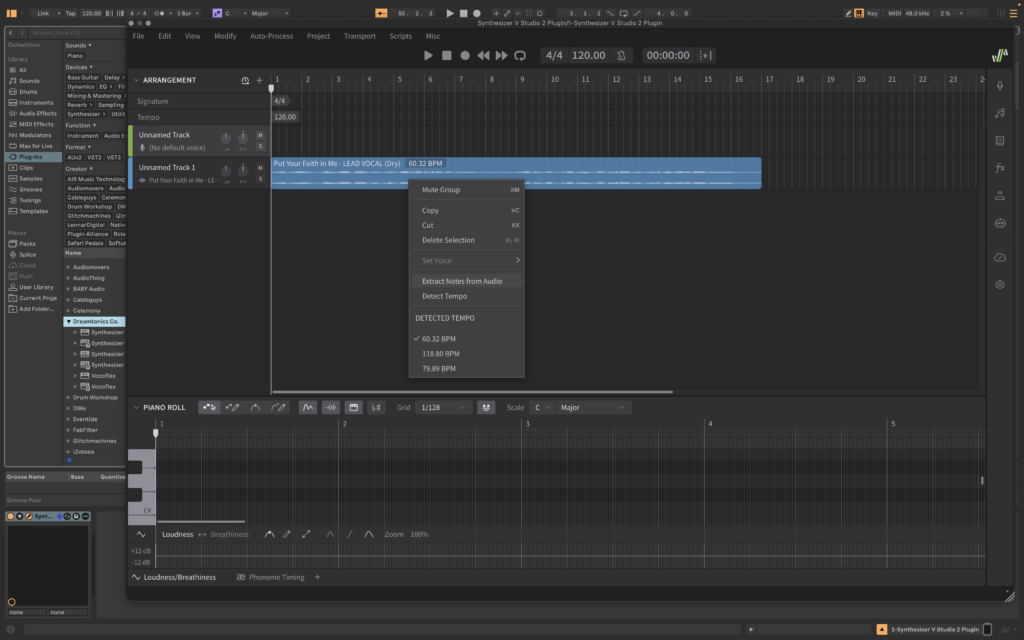
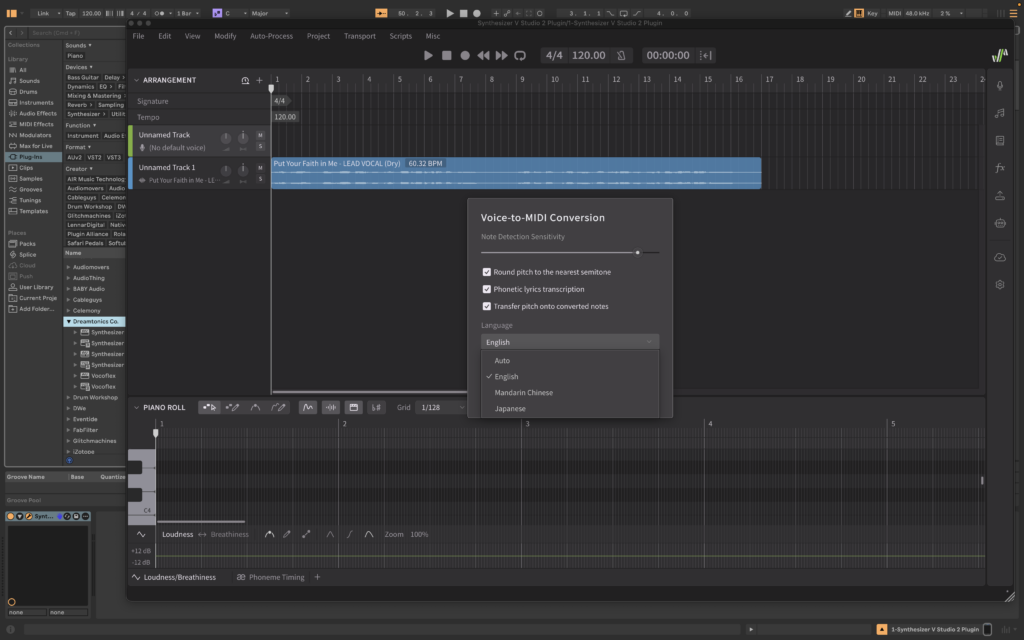
This brought the Voice-to-MIDI Conversion window into view. I went with a pretty high Note Detection Sensitivity setting and chose English as the language. When the sensitivity is high, Synthesizer V can detect even the quietest notes in the performance.
I also checked the boxes for the following options: Round pitch to the nearest semitone, Phonetic lyrics transcription, and Transfer pitch onto converted notes.
Step 3: Assign an AI Voice to Sing the MIDI Notes
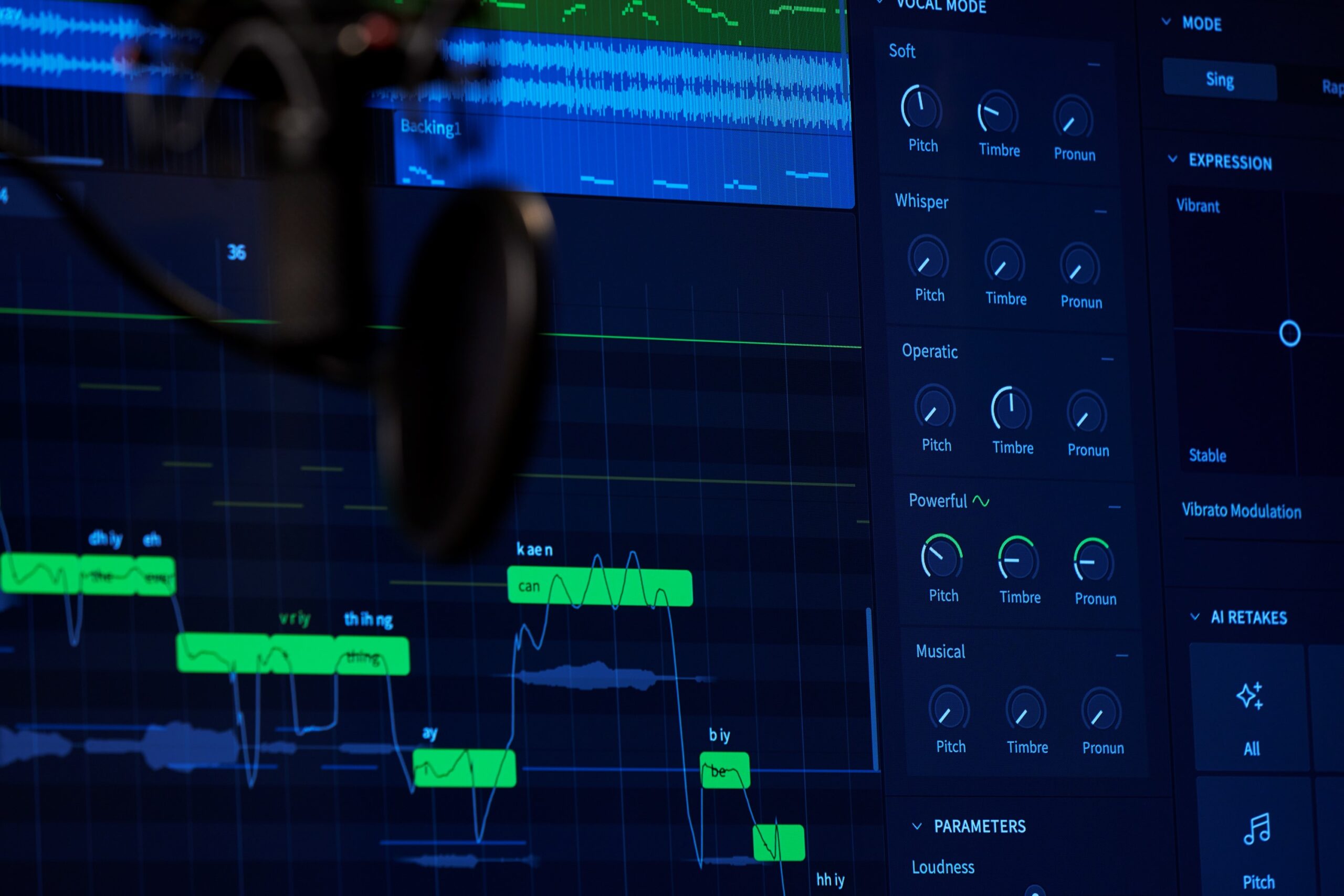
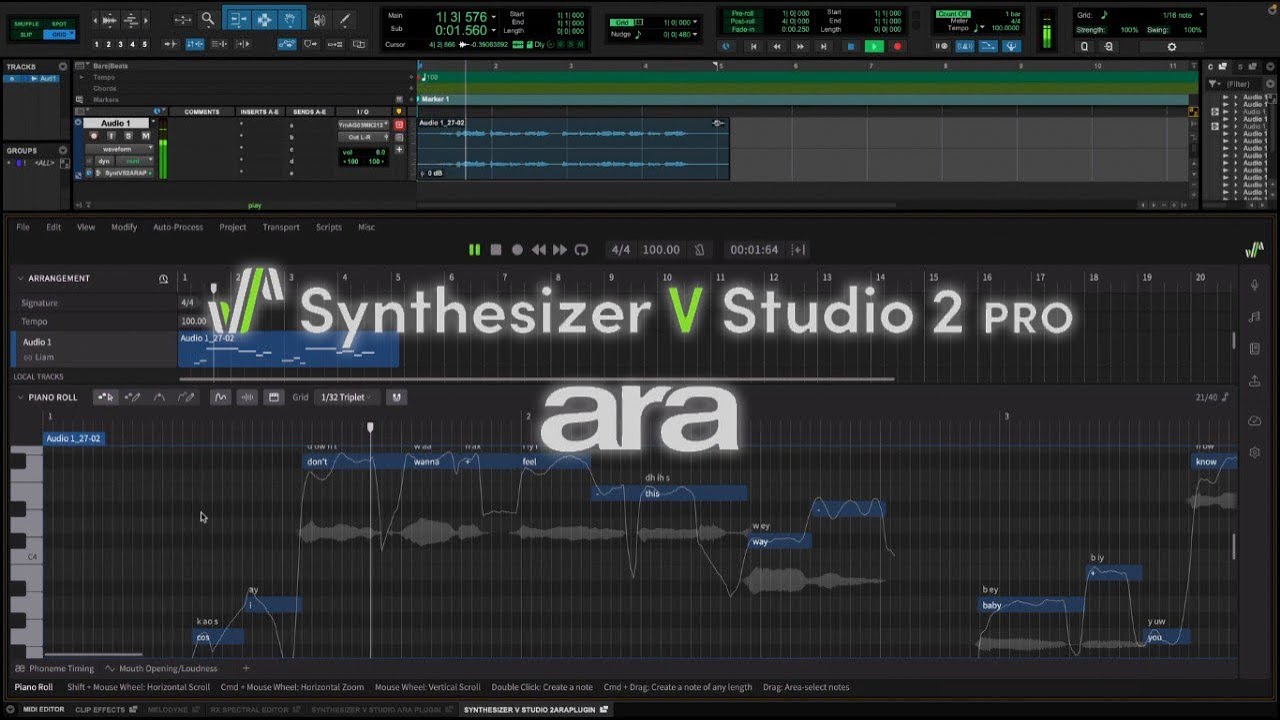
Once you execute the analysis, Synthesizer V displays the MIDI notes and lyrics with phonetic spelling inside its piano roll.
To hear the converted performance, I clicked on (No default voice) and selected Natalie 2.
Here’s how the conversion sounds through her voice without any alterations.
Step 4: Edit MIDI Notes and Lyrics in Synthesizer V’s Piano Roll
As you can hear, Synthesizer V got most of the melody and lyrics right. But since my original performance was breathy with some widened vowel shapes, some words and melodic details went under the radar.
By double-clicking on some notes, I fixed a few syllables to bring Natalie’s singing closer to the original. I also deleted a couple of extra notes that got generated in the process.
Each singer has a different timing approach when it comes to singing ballads. By slightly extending, moving, or shortening a few notes, I adapted the topline to Natalie’s style.
This was the result.
Once I polished a few details, I noticed more clearly which personal traits of my singing style had been preserved. I could still hear the intentional pitch glides. The little details, like how my voice got breathier towards the end of the word “if” or how I sang the word “our” with a subtle vocal cry, were still audible. Only this time, it was Natalie singing it.
Step 5: Route MIDI Files to External Virtual Instruments
Just because Synthesizer V’s MIDI data contains lyrics doesn’t mean it can’t be used to trigger other virtual instruments.
To hear the melody through a stock synth in Ableton Live, I exported the track as MIDI through File > Export.
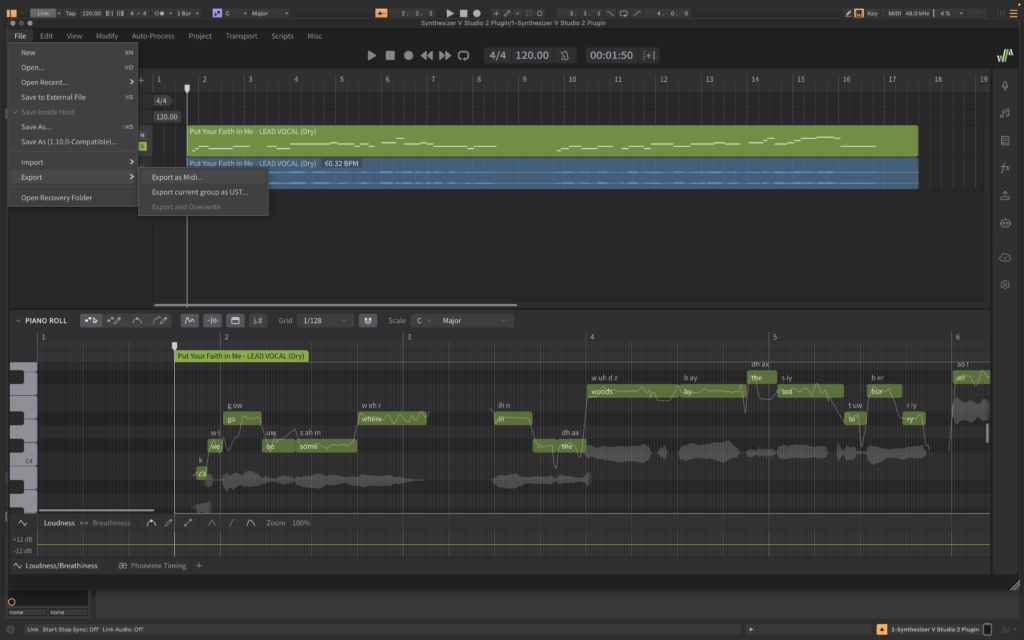
Then, I dragged the MIDI file onto an instrument track in Ableton. Let’s hear how it sounds.
The rhythm of this melody was written with lyrics in mind. But a simplified version of it could work well for an instrumental section.
Synthesizer V Voice-to-MIDI vs Traditional Voice to MIDI Plugins
After putting Synthesizer V’s Voice-to-MIDI feature to the test, I got curious: how does it compare to a traditional audio-to-MIDI tool?
I ran a shorter but melodically richer section of the performance through both Synthesizer V’s Voice-to-MIDI Conversion and Ableton Live’s Convert Melody to New MIDI Track.
First, let’s hear the original performance.
Here’s Synthesizer V’s conversion, performed by another Dreamtonics AI voice, Sylva.
And here’s how Ableton Live’s MIDI conversion turned out.
I was surprised to hear Ableton Live miss multiple notes while adding others that don’t belong. In contrast, almost all the lyrical, melodic, and even microtonal details were already in place in Sylva’s version.
Let’s review the comparison:
| Traditional Pitch Trackers | Synthesizer V AI | |
| Pitch + Timing Accuracy & Stability | Produces inconsistent results when converting vocals into MIDI notes. Misinterprets breaths and expressive singing techniques as melodic details, which leads to errors in pitch and timing. | Optimized for vocal transcription, it preserves breaths, vocal cries, and other details in the performance and accurately detects the pitch and timing of the melody. |
| Lyrics & Phonemes | Detects pitch without transcribing lyrics or phonemes. | Able to transcribe lyrics in multiple languages, phonetic spelling included. |
| Microtonal Glides | Ignores expressive pitch movements like microtonal glides. Always rounds and quantizes each pitch to the nearest semitone. | Preserves all microtonal details in accordance with the user’s chosen settings, while also offering the option to round each pitch to the nearest semitone. |
If I wanted to improve the pronunciation, I would edit the phonemes to adapt the lyrics to Sylva’s linguistic characteristics.
Likewise, I would increase the intensity or volume of certain notes using the automation lane, and fine-tune the vibratos inside Synthesizer V.
I could also easily experiment with Sylva’s various vocal modes and use AI retakes to audition other versions of the performance.
Start Converting Vocals to MIDI with AI Today
Once you use Synthesizer V, it’s hard to go back to traditional converters or voice-to-MIDI plugins to transcribe vocals. Especially when you’re on a tight deadline, Synthesizer V’s multi-threaded analysis and ARA integration can be a lifesaver.
While Ableton Live doesn’t support Audio Random Access (ARA), there are plenty of other DAWs that do, like Pro Tools, Logic Pro, Cubase, Reaper, and more. This function allows you to link the piano roll of your DAW with Synthesizer V’s own.
But with or without ARA, you can start converting your vocals to MIDI using AI technology today. All you need is a vocal topline idea and Synthesizer V to capture it.
Start your 14-day Free Trial of Synthesizer V Studio 2 Pro today and explore Dreamtonics’ Voice Collection here.